

API Keys
API keys are the single credential for all programmatic access to EESI: the REST API (including triggering voice agents from external systems like n8n), WebSocket connections, the Python and TypeScript SDKs, and the MCP server. To generate one, go to/api-keys and create a new key.
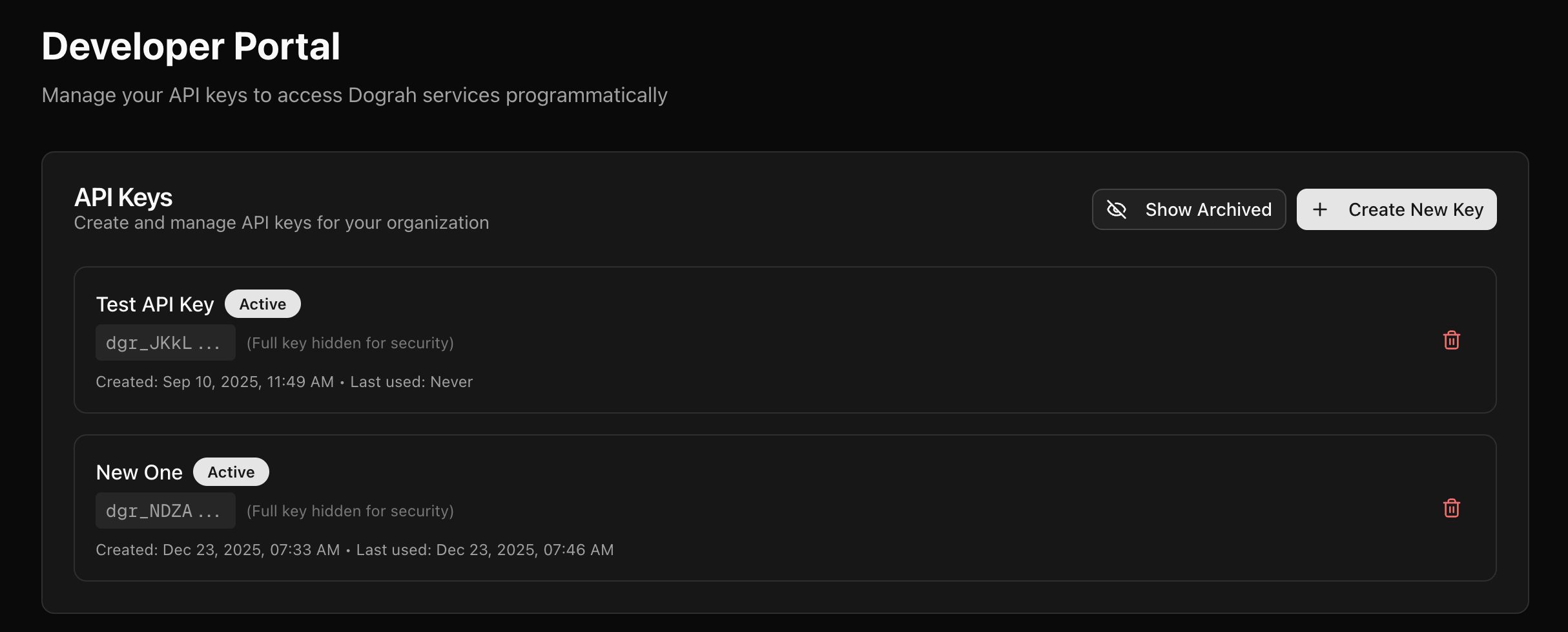 Keys start with
 sk-eesi- and are sent as Authorization: Bearer sk-eesi-... (the X-API-Key header is also accepted). See API authentication for details.
Please note that you must copy and store the API key securely, since this is the only time you will be able to copy it. Afterwards the dashboard shows only the key prefix and last four characters (for example sk-eesi-…abcd). If you lose a key, delete it (once it is no longer in use anywhere) and create a new one.